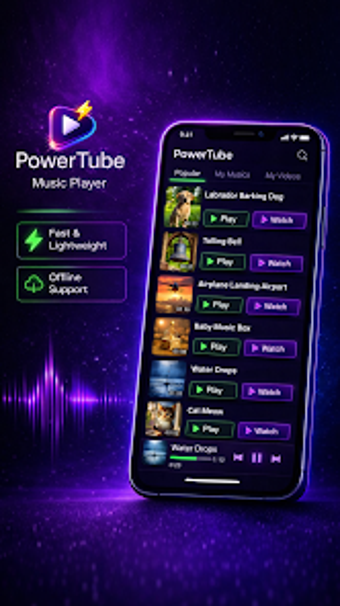
PowerTube: an Android player for private, on-device media management
Unlike many Android media players, PowerTube by TrueSource Digital Media Solutions LLC focuses on on-device management and private, offline playback. The app is built to play and organize audio and video files stored on the device without account requirements, while connecting to curated public-domain music libraries for lawful discovery. Designed for users who keep sizable device libraries, it favours direct file control and local media workflows over online streaming approaches.

Unlock your creativity with Adobe Stock
Get 10 images or 1 video with a free trial
What audio and video formats does PowerTube handle?
Supported formats cover common consumer and archival needs, so users can play downloads or rips without extra codecs. The player accepts MP3, M4A, FLAC, WAV, OGG and AAC for audio, and MP4, MKV, AVI, MOV and WebM for video. That range lets creators preview varied source material on-device and prepares clips for simple reuse or trimming.
How well does the player cope with playback and display tasks?
The video component supports pinch-to-zoom, variable playback speed and picture-in-picture mode, which helps when reviewing clips while using other apps. Background play, lock-screen controls and notification-based management maintain continuity during multitasking. Gapless playback, crossfade and a sleep timer assist listening sessions, so playlists and long-form audio behave consistently on mobile devices.
How does the interface support media organisation and file edits?
Automatic scanning organises files by artist, album, genre and folder, exposing collections without manual import steps. Advanced file-management tools include ID3 tag editing and a ringtone trimmer, which let users correct metadata or create short clips without leaving the player. The combination of scanning plus inline editing reduces the need for third-party file utilities when managing large local libraries.
Is PowerTube better for casual listeners or advanced users?
PowerTube suits both audiences: casual listeners get immediate playback of stored files, while advanced users find a 10-band equalizer with bass boost, reverb and virtualizer for fine audio shaping. What's more, the app exposes editing controls and tag tools that unlock precise results; those features require some prior file-management knowledge to get the most from them, so newcomers should expect a short learning curve.
In conclusion, PowerTube is a practical choice for local-library users
In conclusion, PowerTube is a practical option for Android users who prioritise on-device playback and direct file control. It suits people who manage private collections and need offline access, but it does not download videos from YouTube or social media, so it is not intended for workflows that rely on pulling online content. The app rewards careful library curation and on-device editing rather than cloud-based sourcing.